Category: Knowledge Based Articles
-

Why Hybrid Backup Wins: Building Real Resilience in a World of Constant Risk
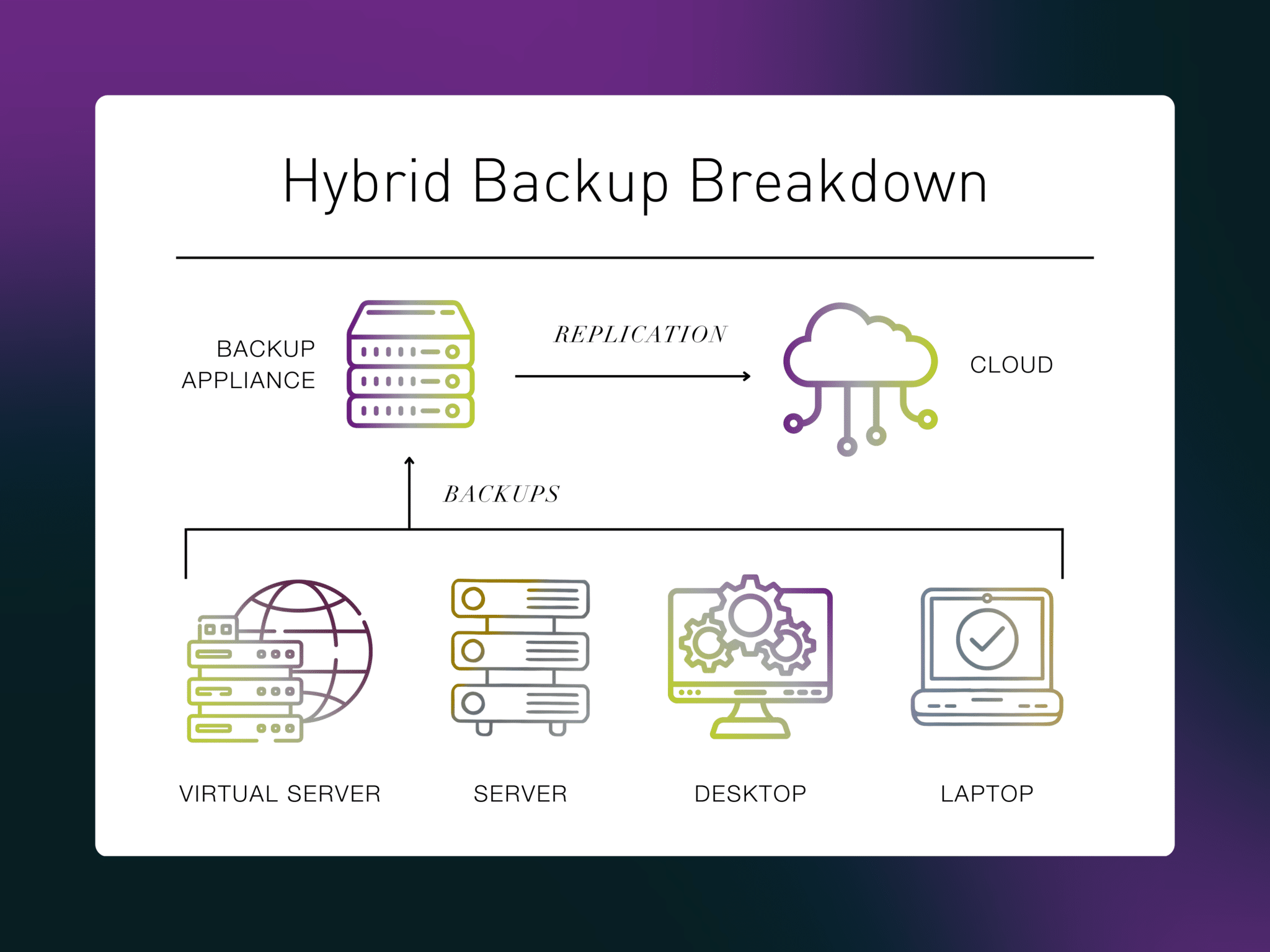
Hybrid backup reduces risk by eliminating single points of failure. Learn why combining on-prem and cloud backups creates more resilient, verifiable data protection for modern businesses.
-

Beyond the Buzzword: What Data Resilience Really Means in 2026
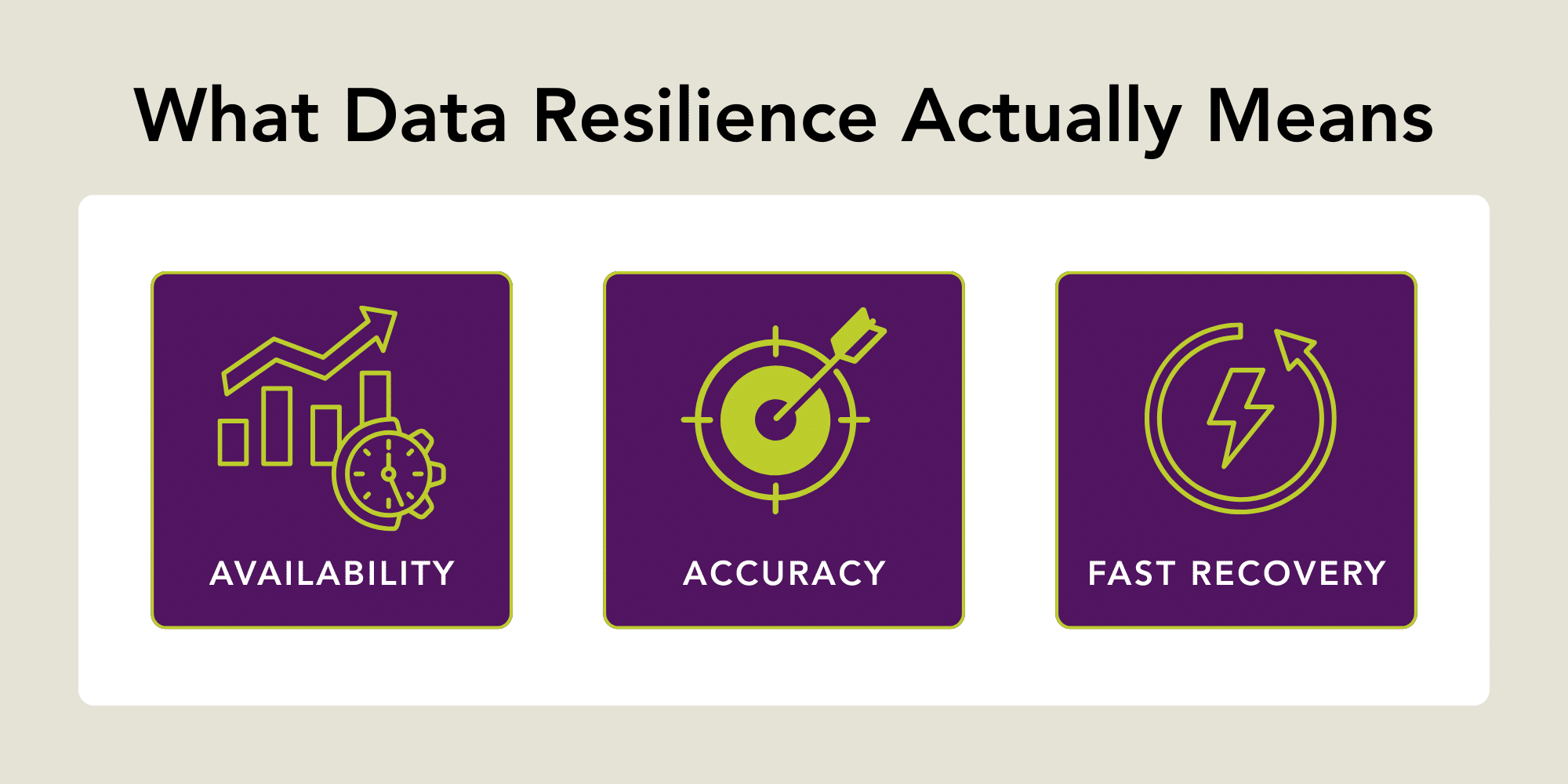
Data resilience goes beyond backups. Learn what it really means in 2026, why it matters for business continuity, and how organizations reduce risk, downtime, and data loss.
-

10 Tips for How to Avoid Ransomware Attacks
Most people today are painfully aware of the headache-inducing problems malware, ransomware, and viruses can cause. If you turned on the news tonight and saw that hackers got sensitive information from a major corporation, how surprised would you be? About as much as if the sun rose in the east tomorrow? Less? Your business (and…
-

What You Need to Know About Veeam Backup for Microsoft 365 v.6
The 2020s began with mass migration to cloud office solutions, and many businesses chose Microsoft. The company reports that Office 365 (now Microsoft 365) and other commercial products saw a revenue increase of 23 percent in the first quarter of fiscal year 2022. Millions of users – and counting — rely on the information, files,…
-

Take a Big-Picture Perspective When Planning for Business Continuity
A business continuity plan has always been essential for successful companies. Bottom line: Businesses need to stay open to keep customers happy and maintain a revenue stream. As companies transitioned from legacy to digital processes, planning for business continuity shifted. Companies went from archived paper copies to prioritizing access to data and systems when servers…
-

How to Fix QuickBooks Error -6000
QuickBooks -6000 errors occur when there is an issue preventing you from opening your company file. 1. The first thing you should do before taking other steps to fix a -6000 error is to Update QuickBooks. 2. If that doesn’t resolve your issue, download the QuickBooks Tool Hub and run File Doctor. 3. If you still…
-
How to Fix Quickbooks Errors H202, H101
Quickbook errors H202 and H505 occur when you try to switch to multi-user mode, but something is interfering with the connection to the server. How to Resolve Error H202 Error code H202 warns you that “This company file is on another computer, and QuickBooks needs some help connecting.” The first step in fixing Error…
-
Microsoft 365 Secure Cloud Backup FAQs
New to Veeam Backup for M365/O365? Here are answers to users’ most frequently asked questions. Q: What does Veeam consider a “user,” and are we charged for shared mailboxes? A: Each Microsoft Exchange Online mailbox is a user, whether it’s an individual’s mailbox or an online archive mailbox. Veeam requires one license per user, including resource mailboxes for…
-

How to Edit Exchange Authentication Policies in Powershell
Following these instructions, you can edit Exchange Authentication Policies: First, connect to the Exchange Online PowerShell module from Microsoft here, and run the Get-AuthenticationPolicy command. If you see a blank return, it means there is no policy and you need to configure one. Create a new authentication policy named Allow Basic Auth. New-AuthenticationPolicy -Name “Allow Basic Auth” To enable AllowBasicAuthPowershell and AllowBasicAuthWebService in the new authentication policy:…
-

How to Create a Veeam Backup Copy Job
After you have connected to Virtual Systems as your backup service provider and set up a local backup job, you can create a backup copy job. For the steps to set up backup services from Virtual Systems, see our Quickstart guide. 6 Steps to Creating a Backup Copy Job Your Backup Copy job will run so that it will transfer the data to the Cloud Repository.…